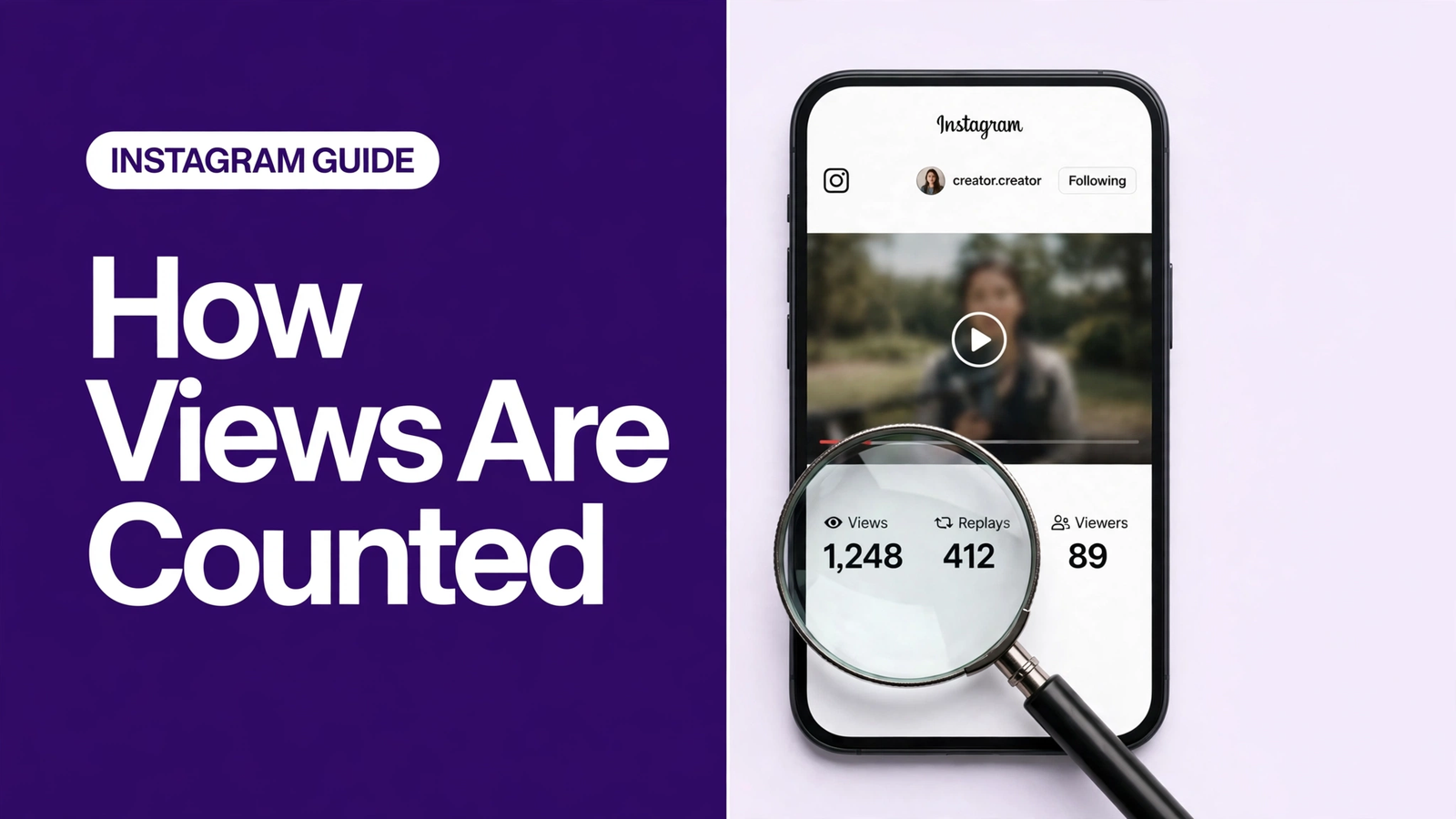
How does Instagram count video views in 2026? Instagram counts each time a Reel starts to play or replay, and counts feed posts and carousels each time they are displayed. Views include repeats, while "viewers" counts each account once — so one person watching a reel three times registers as 3 views and 1 viewer.
@@TAKEAWAYS@@Key takeaways
- Instagram uses one unified "Views" label across Reels, feed posts, carousels and Stories — the old "plays" terminology was retired in 2025.
- Reels count every play and replay as a view, with no minimum watch time attached to any format per Instagram's own documentation.
- Views include repeat watches; "viewers" counts each account only once — that is the views vs reach instagram difference that confuses most creators.
- Frozen or dropping counts usually mean Instagram is running authenticity checks — the fix is patience, not panic or bulk activity. @@BODY@@
How Does Instagram Count Video Views in 2026?
In 2026, Instagram uses a single unified "Views" label across Reels, feed posts, carousels and Stories — there is no separate "plays" metric. So how does Instagram count video views 2026 by format? For Reels, every play or replay counts; for feed posts and carousels, every display; for Stories, every play or display.
The unification was not sudden. Meta for Creators announced Views as the platform's main measure back in November 2024, and the plays-to-views transition finished in April 2025, which is why creators who remember the old terminology often talk past each other. Around the same time, Instagram withdrew the Impressions metric for media created after 2 July 2024 — so if you are comparing old screenshots with new dashboards, you are comparing different measurements entirely.
| Format | How Instagram Counts a View in 2026 |
|---|---|
| Reels | The number of times your reel starts to play or replay — loops and rewatches count |
| Feed posts & carousels | The number of times the content was displayed — no playback required |
| Stories | The number of times the story was played or displayed |
| Live | The number of people watching at a given time — concurrent viewers |
The simplest way to remember how does Instagram count video views 2026 is this: Instagram counts events, not attention. It logs that a playback started or content appeared on screen — it does not ask whether the viewer was actually looking. That one design decision explains almost every quirk below, from replay counts to why the public number and your Insights rarely match.
What Counts as a View on Reels?
A Reel view is recorded every time the reel starts to play or replays, with no minimum watch time. That is what counts as a view on Reels: a viewer who swipes away after half a second leaves one view, someone who loops the video three times leaves three, and your own replays are not excluded in anything Instagram publishes.
This event-based design is why Reels can rack up huge view counts relative to likes. A 50% like-to-view ratio would be spectacular for almost any creator; most healthy Reels sit far below that, and that is normal. The metric was built to measure distribution, not appreciation.
If a strong video of yours deserves a bigger launch, igviews Instagram Views start at just $3 for 100K — a quick way to give good content the early visibility it deserves while the algorithm learns who to show it to: order Instagram Views.
Instagram View vs Play Explained
The "Instagram view vs play explained" confusion comes from the 2025 rename: "plays" was the old label for video starts, and "views" is the unified metric that replaced it. Today they describe the same event for video — the difference was terminology, not measurement.
One distinction does still matter: views versus viewers. Views is the gross total of every play, replay and display; viewers is the count of unique accounts behind those plays. That pair — gross total versus unique audience — is how you read any report without misleading yourself. A reel with 10,000 views and 4,000 viewers reached a smaller, more engaged audience than a reel with 10,000 views and 9,500 viewers did.
Why did Instagram unify everything under Views? Consistency, mostly. Creators were comparing plays on Reels with impressions on feed posts and reach on Stories — three rulers for one job. A single Views number lets you compare formats side by side, which is exactly what the Instagram metrics definitions in the Help Center now emphasise.
Do Replays Count as Views on Instagram?
Yes — replays count as views on Instagram, at least in your Insights. Instagram defines a Reel view as "the number of times your reel starts to play or replay", so do replays count as views Instagram creators see? They do: every loop and rewatch adds to the Insights view total.
Here is the measured quirk most creators miss. A 2026 analysis of 425 real posts found that the public view count shown on the Reel grid does not include replays, while the Insights views total does — the two numbers are genuinely counting different things. So if your Insights number and your public grid number disagree, nothing is broken; they are reporting two different totals by design.
This also settles the "does Instagram count your own views" question. Nothing in Instagram's documentation says self-views are excluded, and creators routinely see their own test plays reflected in Insights. If you are crafting videos designed to loop — a technique our viral Reel formula guide covers step by step — those replays are working for your Insights even when the public count stays quieter.
How Long Do You Need to Watch Before a View Counts?
According to Instagram's own documentation, there is no minimum watch time for a view to count on any format — a view is registered when playback starts or content is displayed. If you were wondering how long to watch for view to count on a Reel, the official answer is effectively "no time at all".
You will see some third-party blogs claim a 3-second rule for feed videos. That claim does not come from Instagram's documentation, which describes event-based counting; it likely grew out of confusion with older ad-viewability standards. When sources disagree, favour the platform's own definitions — that is the official position, and the third-party claims are the ones to treat with caution.
The practical takeaway matters more than the technicality. Because the first second counts as a view, your opening frame carries disproportionate weight for retention metrics — but the view itself was already logged. Retention determines whether the algorithm keeps distributing your reel; the view count was never in doubt.
Views vs Reach: Which Metric Actually Matters?
The views vs reach Instagram difference is the single most useful thing to understand in your analytics. Views is the gross total of every play, replay and display of your content. Reach is the number of unique accounts that saw it. One person watching your reel three times contributes 3 views but only 1 to reach.
Both metrics tell you something the other cannot. High views with low reach means a small audience is rewatching — great for depth, weak for discovery. High reach with low views-per-viewer means broad but shallow distribution — great for awareness, weak for stickiness. The ratio between them is where the insight lives: divide views by reach and you get replays per person, a quick read on whether people actually want to watch again.
Compare this with likes, which measure approval rather than attention. Our views vs likes guide breaks down when each metric deserves your focus, but the short version is: chase reach for growth, chase views-per-viewer for content quality, and chase likes for credibility.
Why Do View Counts Freeze on Instagram?
If you have searched "why do view counts freeze instagram" at 2am, the short answer is authenticity checks: Instagram periodically tidies up view counts to remove inauthentic or invalid activity, and those audits can stall or even reduce a visible count for hours or days. A freeze is usually Instagram cleaning the data, not punishing you.
View counts also lag behind reality by nature. The public count updates in batches rather than in real time, heavy traffic periods slow it further, and the grid-vs-Insights replay gap described above means the number on your profile is always the conservative one. A brand-new reel showing zero views for an hour is typically just the batching at work.
When a freeze is genuine, resist the urge to "fix" it with bulk activity — mass liking, commenting or follow/unfollow spikes during an audit window look exactly like the inauthentic behaviour being filtered. Patience is the strategy; the count usually corrects itself once the cleanup pass completes.
Instagram Views Not Updating? Here's the Fix
The Instagram views not updating fix that actually works starts with the least dramatic step: wait 24 to 48 hours. Most freezes are batching delays or authenticity audits, and both resolve on their own — while you wait, compare the grid count with your Insights to confirm the reel is still gaining.
If the stall persists, work through the checklist. Update the app to the latest version; clear the cache; confirm you are not in a restricted or limited state in Account Status; and check that the post was not quietly flagged, which suppresses distribution without notifying you clearly. Avoid deleting and reposting — you lose whatever algorithmic momentum the original had, and the repost lands in the same audit environment anyway.
Still stuck after two days? The count is rarely worth chasing further — shift your attention to the next video instead. And if a video you believe in needs a visible push while it waits, igviews Instagram Views start at $3 for 100K with fast, safe delivery: Instagram Views on igviews.
Why Do Only Some Posts Show Public View Counts?
Only video posts show public view counts on Instagram — image and carousel posts do not carry a public counter at all. A 2026 measurement of 425 posts found view counts on 196 of 197 videos and 0 of 228 image or carousel posts, confirming the grid counter is video-only by design.
This matters when you are auditing your own grid. A carousel that "has no views" is not underperforming; it simply has no public counter, and its performance lives in Insights under reach and interactions. Comparing a carousel's reach with a reel's views is comparing two different measurements, so keep formats in their own lanes when you benchmark.
If you want every post on your profile to carry visible momentum, remember that only video formats can display it publicly. That is one reason creators convert carousels into video slideshows — the same content, plus a public view counter.
What Do Healthy View Benchmarks Look Like?
Healthy benchmarks depend on your follower count, but the ratios travel well. A view count in the low single-digit multiples of your follower total is solid organic performance for most accounts; Reels that reach 3-5x your follower count are genuinely breaking out of your audience. Views-per-viewer above 1.2 suggests people are rewatching, which is the algorithm's favourite signal.
Two caveats keep benchmarks honest. First, always compare like with like: reels against reels, carousels against carousels, new posts against same-age posts, because the grid-vs-Insights gap and the video-only counter distort cross-format comparisons. Second, judge a reel at 7 days, not 7 hours — distribution compounds, and early numbers are the least informative ones you have.
Finally, treat benchmarks as diagnostics, not grades. A reel at 0.5x followers with strong replays-per-viewer tells you the hook needs work but the content delivers; a reel at 4x followers with flat replays tells you distribution worked and retention did not. And if you want your next launch to start from a stronger base, igviews Instagram Views from $3 for 100K can give good videos the early momentum they deserve.
@@RELATED@@Frequently Asked Questions About Instagram Video Views in 2026
Yes. Instagram defines a Reel view as every time the reel starts to play or replay, so loops and rewatches add to your Insights total. Note the quirk: the public grid count excludes replays while Insights includes them, so the two numbers will differ.
Nothing in Instagram's documentation says self-views are excluded, and creators routinely see their own test plays reflected in Insights. Your own replays are simply dwarfed by real audience traffic, so they do not distort your analytics in any meaningful way.
Freezes usually mean Instagram is running authenticity checks that clean inauthentic or invalid activity from counts. Public counts also update in batches, so new reels often lag for hours. Wait 24 to 48 hours before worrying — most stalls resolve on their own.
No minimum watch time is attached to any format per Instagram's own documentation — a view registers when playback starts or content is displayed. Some third-party blogs claim a 3-second rule for feed videos, but that does not come from Instagram's official definitions.
Drops usually follow Instagram's periodic cleanups of inauthentic or invalid views — small declines are normal housekeeping, not a penalty. Avoid bulk engagement activity during these windows, since spikes in liking, commenting or following resemble the behaviour being filtered.
Views count every play, replay and display of your content; reach counts each unique account only once. One person watching your reel three times adds 3 views but 1 reach. Divide views by reach to get replays per viewer — a quick read on whether people actually want to watch again.